Workflow preview · illustrative mockups, not real patient data
From scanner export to finished design, in full view.
No email tag, no "any update?" chasing. Everything happens in one place, timestamped as it goes.
Step 1
Create your account
Full name, work email, practice or lab name — about thirty seconds. Your first 3 crown designs are on us.
Step 2
Upload your .zip case
Drag your scanner's export straight in — .zip bundles, or individual STL, PLY, OBJ and DICOM files.
Step 3
Watch the tracker
Five clear stages, each timestamped, updating live as your dentist-designer works.
Step 4
Approve and download
Review the preview file, hit approve, and collect the final design the moment it lands.
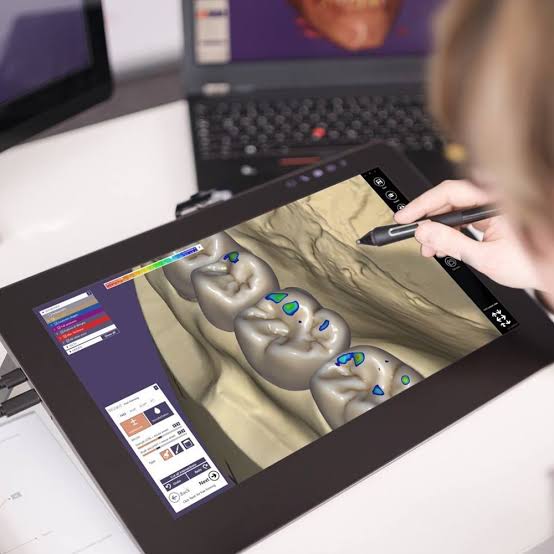
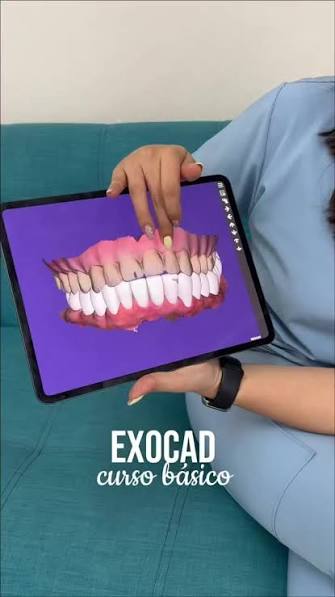
The tracker your client dashboard shows
Your case travels a live neon pipeline — you can see exactly where it is.
Live stage
Processing
Your designer just started on this one.
ETA in 18 h · 12 Oct, 12:28
Last update 11 Oct, 17:46
Uploaded
Received
Processing
Waiting for Approval
Delivered
- 1
Uploaded
Got it — your case is safely with us.
- 2
Received
We've acknowledged your case and it's queued up.
- 3
Processing
Your designer just started on this one.
- 4
Waiting for Approval
Your review file is ready — take a look and approve it.
- 5
Delivered
All done — here's your finished design!
Illustrative preview of the COSMODENTAL DESIGNS portal — not real customer data.